EMPTY LOT TUTORIAL
How to Access an Empty Lot in Paralives
Use the town map to find a vacant residential lot, move or buy with an active household, and switch into build mode without confusing an empty lot with the lot library.
QUICK ANSWER
The reliable route to a blank building lot
Start or load a save, make sure you control a household, open the town or lot-selection view, and select an unoccupied residential lot. Use the current buy, move, or confirm option shown by your version, then enter build mode after the household owns the terrain.
Paralives patch notes confirm that empty lots, buying lots, lot changes, and a lot library are active systems. Interface labels can move during Early Access, so follow the function of the button rather than expecting one permanent label.
If you only want a blank place to build, choose an empty residential lot on the town map. The lot library is for saved or shared lots; it is not the same as opening a naturally empty terrain.
Before you choose a lot
Three checks prevent most empty-lot confusion.
Use an active household
Required state
A household normally needs to own or buy the lot before the full build workflow becomes available.
Look for a vacant residential lot
Correct target
Choose a lot with no household or finished home when you want a clean building start.
Separate map and library
Common mix-up
The town map controls ownership and location. The lot library stores reusable lots and community creations.
Protect your save
Early Access habit
Duplicate important saves or save the household and lot to the library before major experiments.
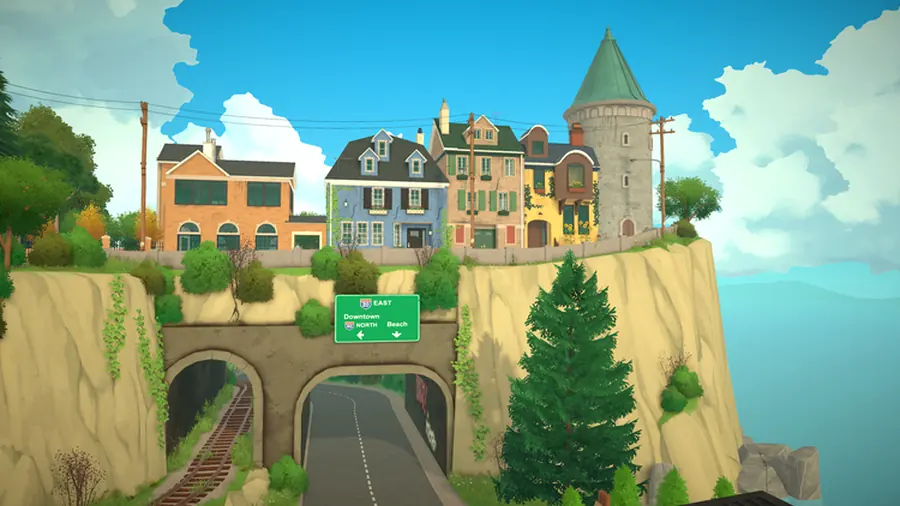
How to access an empty lot step by step
- Open a current save or start a new one. Complete the normal household setup until you can reach the town view.
- Select or create the household you will control. A build-only idea still needs an owning household when the game asks who is buying or moving.
- Open the town map or lot-selection screen. Use the map-level control rather than searching inside furniture or room catalogs.
- Choose an unoccupied residential terrain. Check that no household owns it and that it is not simply a furnished library preview.
- Confirm the available buy, move, or purchase action. The exact wording can change, but the result should assign the lot to your household.
- Enter build mode on the owned lot. Save once, confirm the street-facing grid and lot boundary, then begin with a small structure.
Empty lot, occupied lot, or lot library?
Pick the destination that matches what you actually want to do.
| Choice | Use it when | What happens next |
|---|---|---|
| Vacant residential lot | You want a blank terrain and a fresh house | Buy or move the household, then open build mode. |
| Occupied or furnished lot | You want to renovate an existing home | Confirm ownership and keep a backup before deleting rooms or objects. |
| Lot library | You want a saved, downloaded, or shared build | Place or load the library lot, then verify version and mod requirements. |
| Revert lot | A patch-era experiment went wrong | Use the current lot-change option only after checking what the revert will replace. |
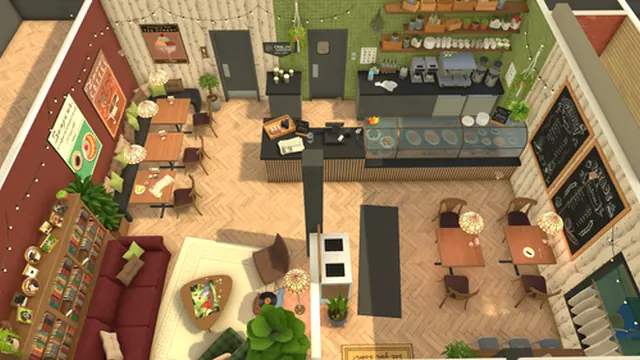
What to do after the lot opens
Save before building
Create a clean restore point before changing terrain, walls, or a library lot.
Check the grid direction
Patch 0.1.2 fixed street alignment on some empty lots only for new save files, so older saves can look different.
Build a small shell first
Test the entrance, room scale, and routing before investing in a large house.
Continue with the build guide
Use the full Paralives build mode guide for rooms, furniture, workflow, and Early Access cautions.
If the empty lot option is missing
You are viewing the lot library
Return to the town map if you are browsing saved houses, Workshop lots, or household files.
No household is active
Finish household creation or select an existing household before trying to purchase residential terrain.
The lot is not actually vacant
Select another residential lot or confirm whether the current lot already has an owner or structure.
The save predates a lot fix
Test in a new save when grid direction, terrain objects, or lot state behaves differently after an update.
Mods changed the menu or save
Temporarily disable incompatible mods, relaunch, and test the same action in a clean save.
Early Access limits to remember
Patch notes 0.1.2 mention empty-lot grid alignment fixes for new saves. Patch 0.1.5 adds lot reversion and fixes buying a lot while a Para is sitting or sleeping. Those details show why the same guide can look slightly different across saves and versions.
Do not delete an important save to force a blank lot. Duplicate the save, preserve the household or lot in the library, and test uncertain steps in a fresh file. Avoid unofficial unlockers or downloads that claim to add maps.
Paralives empty lot FAQ
How do I access an empty lot in Paralives?
Control a household, open the town or lot-selection view, select a vacant residential lot, confirm the current buy or move action, and enter build mode after ownership is assigned.
Is an empty lot the same as the lot library?
No. An empty lot is vacant terrain in the town. The lot library stores reusable lots and shared creations.
Why can’t I build on the lot?
The household may not own it yet, you may be inside the library, or the lot may already be occupied. Return to the map and verify ownership.
Can I reset a lot after building?
Recent patch notes say lots can be reverted to their original look. Back up the save first because a revert can replace changes.
Why is the grid facing the wrong direction?
Patch 0.1.2 fixed the default grid angle on some empty lots for new save files. An older save may retain the previous alignment.
Can I use a downloaded house instead?
Yes, use the lot library and check the creator’s game version, required mods, and placement instructions.
Where should I learn the building tools?
Continue to the Paralives build mode guide after the lot is owned and open.